

一、 环境 vim .bashrc ulimit -c unlimited //启用core
二、makefile 启用gdb (1)
.SUFFIXES: .cpp .o

CC=g++

SRCS=main.c \
		work.cpp

#相当于OBJS=$(patsubst %SUFFIX,%REPLACEMENT,$(SRCS))
OBJS=$(SRCS:.cpp=.o)
EXEC=myexec

>all: $(OBJS)
	$(CC) -o $(EXEC) $(OBJS)
	@echo '-------------ok--------------'

.cpp.o:
	$(CC) -Wall -g -o $@ -c $<

clean:
	rm -f $(OBJS)
	rm -f core*
(2)
srcFiles=$(wildcard *.c)
dstFiles=$(patsubst %.c,%,$(srcFiles))
all:clean $(dstFiles)
%:%c
        gcc -o $@ $<
clean:
        -rm -f $(dstFiles)
echo:
        echo $(dstFiles)
(3)
srcFiles=$(wildcard *.c)
dstFiles=$(patsubst %.c,%,$(srcFiles))
all:clean $(dstFiles)
$(dstFiles):%:%.o
        gcc -o $@ $< -lpthread
%.o:%.c
        gcc -o $@ -c $<
clean:
        -rm -f $(dstFiles)
        -rm -f *.o
三、gdb调试
  #gdb myexec core.xxxx (debug segment error)
  #gdb -q myexec  (quiet mode)
   gdb>run

   gdb>where  (error in which line)
   gdb>list [m,n]  (error in which section)

   gdb>print i  (print variable or express)
   gdb>print 'filename'::express
   gdb>print funcname::express

   gdb>whatis i  (show type of variable)

   gdb>break linenumber
   gdb>break funcname
   gdb>break filename:funcname
   gdb>break filename:linenumber
   gdb>continue (go on)
   gdb>info break
   gdb>delete breaknumber
   gdb>set variable varname = newvalue

   gdb>step
   gdb>next
   gdb>return [value]
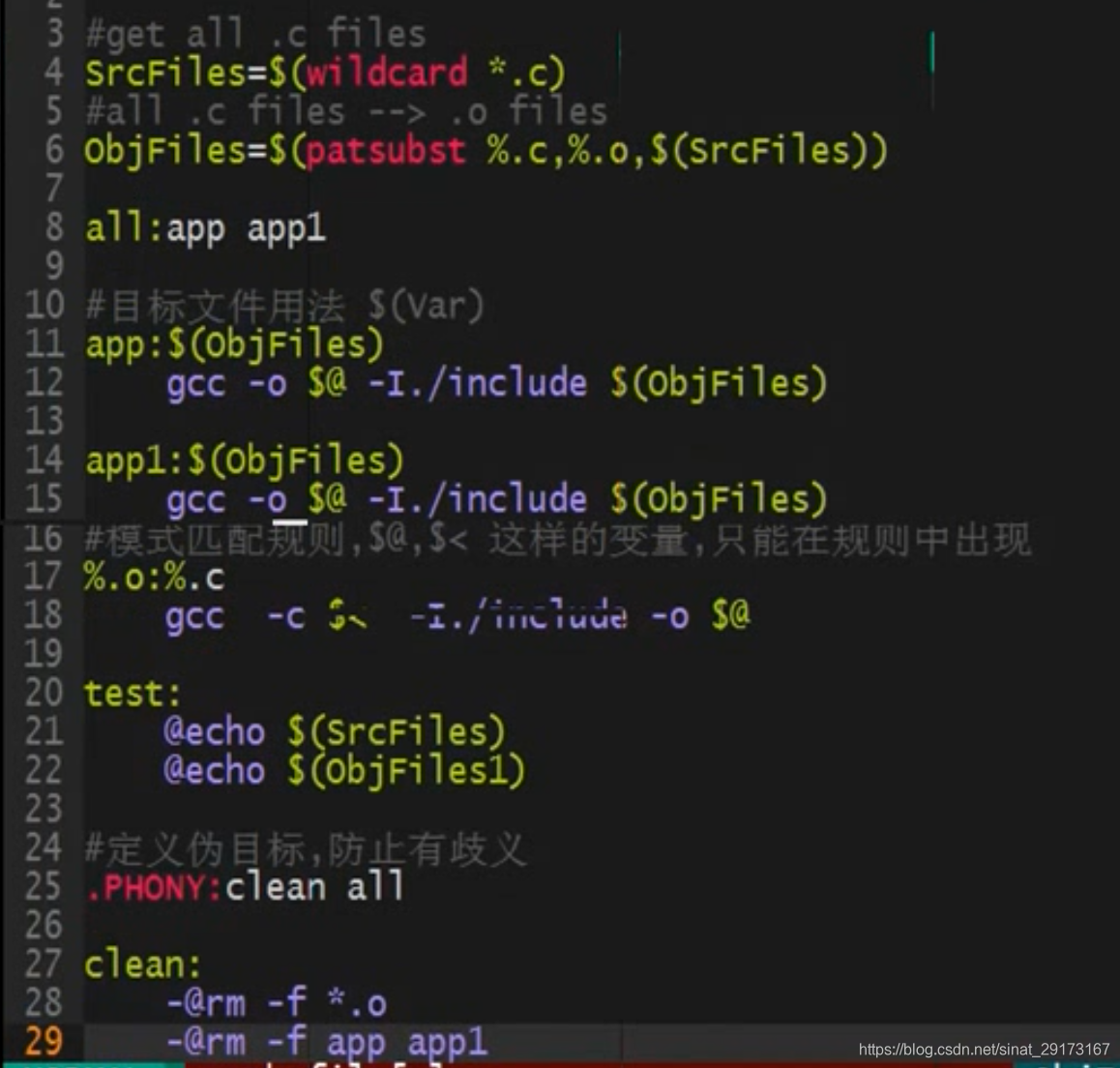 🔗
🔗
备份地址: 【GDB\Makefile的用法】